


Sony Vegas: Walk-By Transition


In this tutorial, we’ll take a look at creating a walk-by transition in Sony Vegas Pro 11. Basically, we’ll have a person walk by the scene of our first shot and the video will transition to another scene as the person is walking by. This works great if you’re shooting a public scene and you want to have a smooth transition from one scene to another. You’d most likely want to plan this effect  ahead of time. Now, this doesn’t necessarily have to be a person. It can be any object that moves past the scene, as long as it takes up the entire scene vertically as it passes.
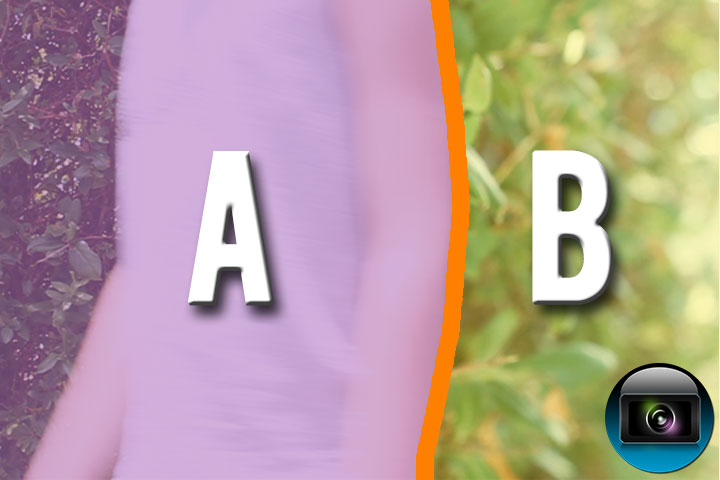
FINAL OUTCOME


If you enjoyed this post, please consider leaving a comment or sharing it along with your friends!

Share via email

Get free email updates!

Subscribe!

Follow us!


Posted Under: Sony Vegas Pro
Tagged:

Author

Written by Robert Carreno

Robert began making video tutorials on YouTube nearly 6 years ago. Teaching Photoshop and Sony Vegas, he's made over 200 video tutorials helping almost 4 million people and has been recognized by Sony. He loves being able to share his knowledge with others and inspiring them to create something awesome.

  • Pierre Nantais

    As always, Robert, a great tutorial on a subject I hadn’t thought about.  I’ll be using it on a project I’m putting together.

  • http://tediosoc.blogspot.com/ Amanto Moura

    Nice tutorial, love your tricks guy!!!