


Sony Vegas: Splitting Events


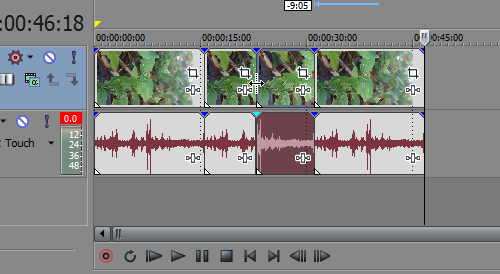
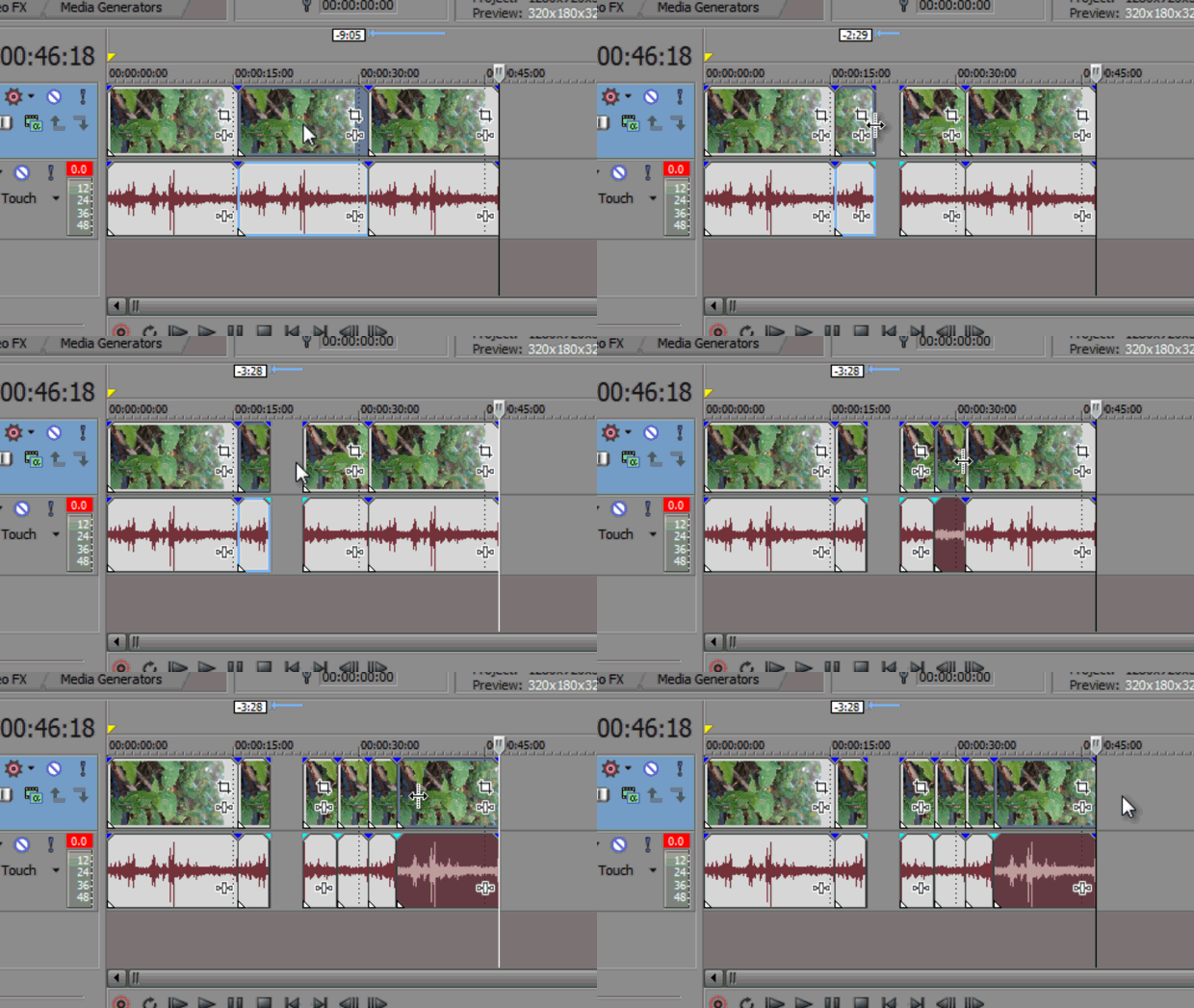
Splitting events in Sony Vegas can be very helpful when editing. It allows you to break a single event into multiple sections that you can edit independently. Position the cursor where you want to split the event and hit the shortcut key “S” on your keyboard. This can also be done within the menu bar by going to Edit > Split.

An alternative would be to hold Ctrl + Alt + Shift and click where you want to split the event. You can also hold Ctrl + Alt + Shift and drag over an event to split it at the point you click and trim it.
Sony Vegas: Splitting Events


If you enjoyed this post, please consider leaving a comment or sharing it along with your friends!

Share via email

Get free email updates!

Subscribe!

Follow us!


Posted Under: Tip of the Day
Tagged:

Author

Written by Robert Carreno

Robert began making video tutorials on YouTube nearly 6 years ago. Teaching Photoshop and Sony Vegas, he's made over 200 video tutorials helping almost 4 million people and has been recognized by Sony. He loves being able to share his knowledge with others and inspiring them to create something awesome.