
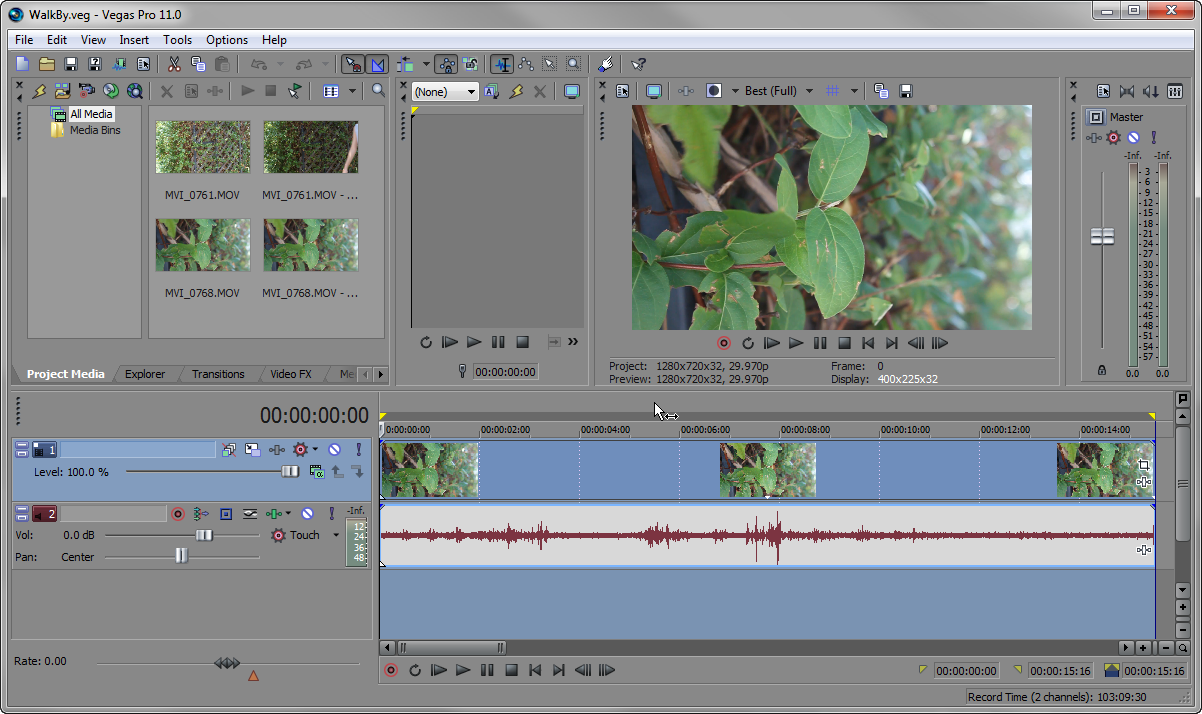
To quickly select the entire duration of a project in Sony Vegas, simply Double-Click the Marker Bar. All events and portions of events within the selection are highlighted. Especially useful when selecting a region for rendering.
Quick Tip: Global FX Mute in Premiere Pro | Click Here to Grab this Month's Envato Freebies


To quickly select the entire duration of a project in Sony Vegas, simply Double-Click the Marker Bar. All events and portions of events within the selection are highlighted. Especially useful when selecting a region for rendering.


Comments