


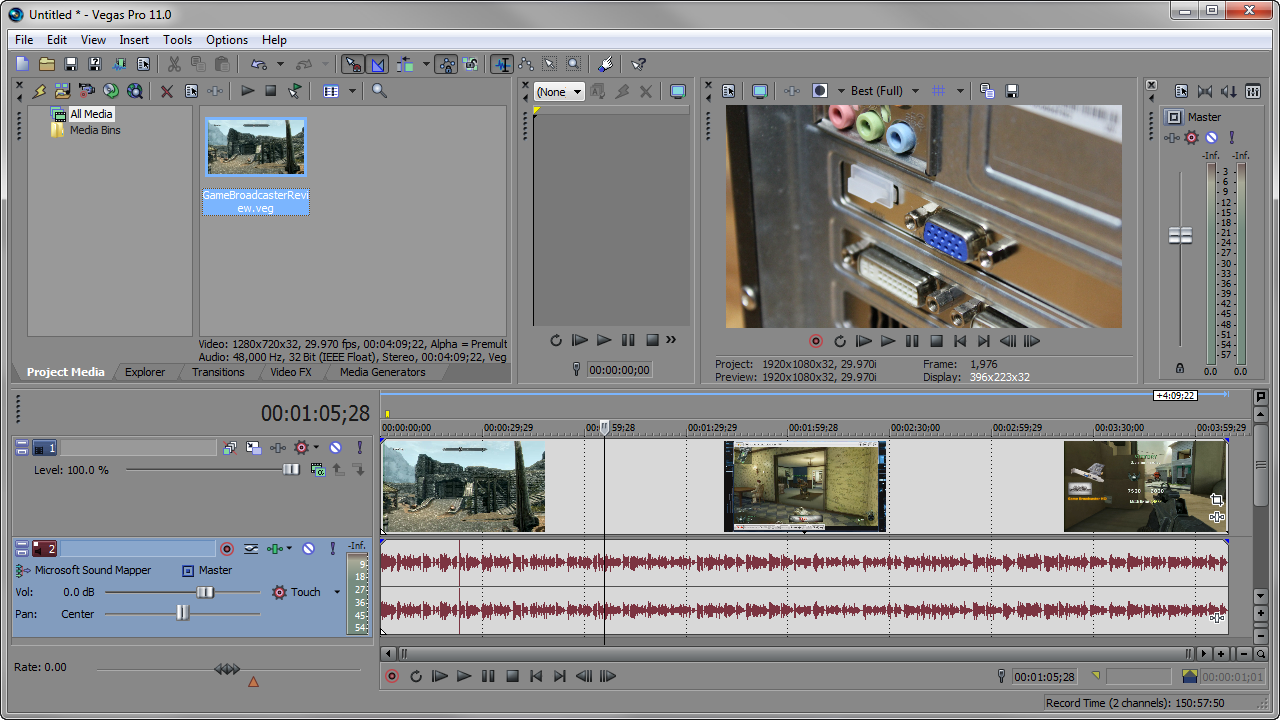
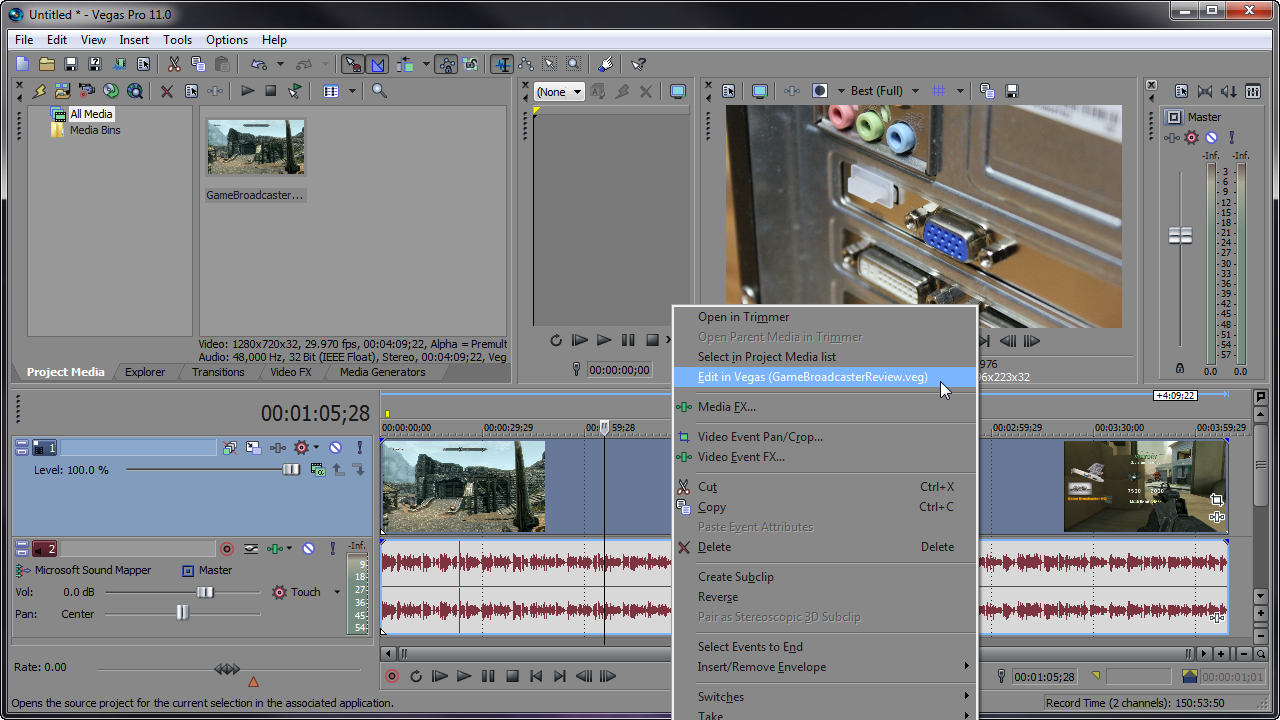
Vegas Pro allows you to nest other Vegas Projects in the timeline. This can further help you organize your timeline by creating complex compositions in one project and importing it as a single element in your current project. To do this, just import the Vegas Project(.veg) to the timeline in Sony Vegas. You can edit a nested project by right-clicking the event and choosing Edit Source Project from the shortcut menu. A new Vegas window will open allowing you to make real time adjustments.
NESTED VEGAS PROJECT
EDIT NESTED VEGAS PROJECT


Comments