



Be sure to follow the tutorial on how to create the LCD Display in the previous post here before getting started on this.
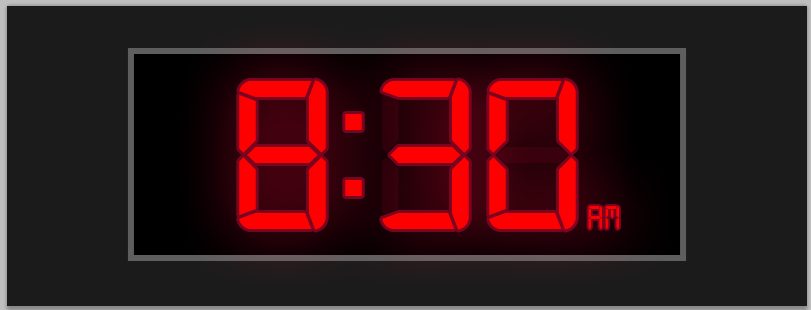
In the previous tutorial, we created the text 888.8. In this tutorial we need to change your text to the time format.
Change the background text color to a dark Red such as 700218. Opacity: 10-15%.

Add an Outer Glow with the following settings;

Add a 3px Stroke with the color: 79041f

That’s it! You can add some text to the side showing AM or PM with the same layer styles.
Download Clock .PSD 48.3KB
[su_button url=”https://s3.amazonaws.com/robertsproductions/psd/LCD+Display-Clock.zip” style=”flat” background=”#3a99e5″ size=”6″ wide=”yes” center=”yes” radius=”0″ icon=”icon: download”]Download .ZIP[/su_button]Learn how to create this Scale!


Comments