


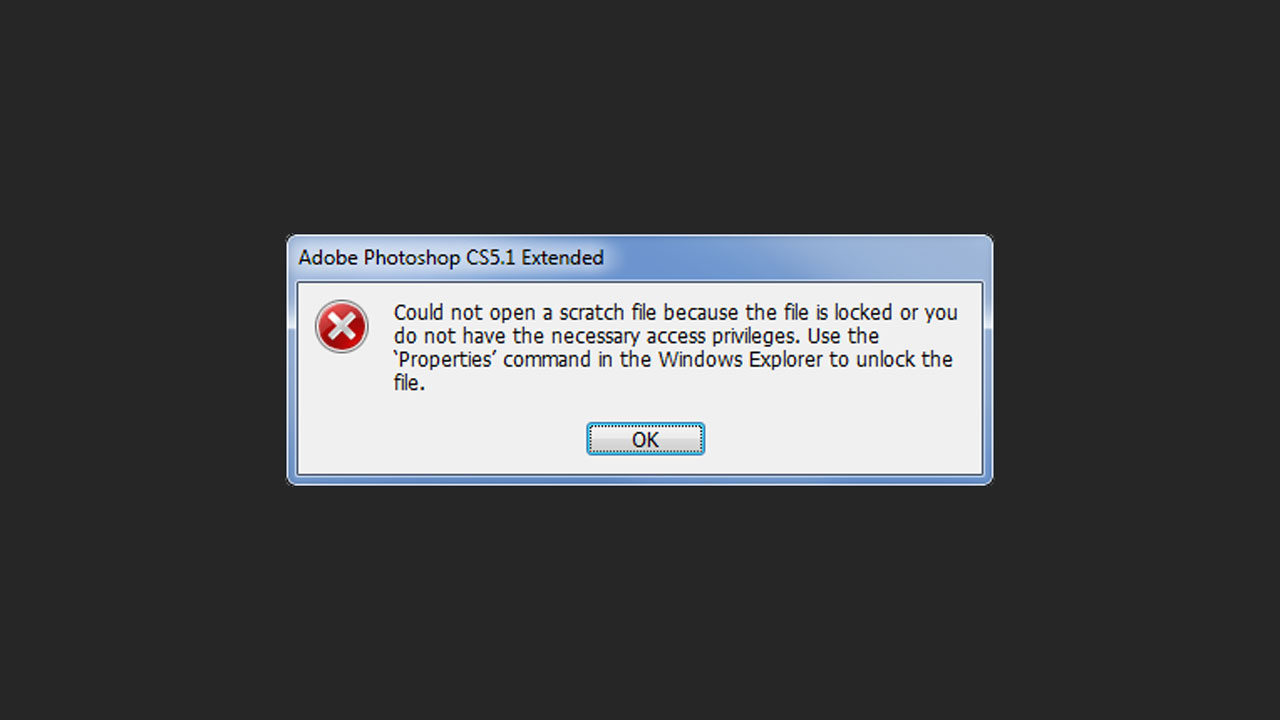

Ever experience this error? You make some changes in the Photoshop preferences, close out and when you try opening it again, you get the error, “Could not open a scratch file because the file is locked…”
This is a very simple fix. All you need to do is open Photoshop and hold Ctrl + Alt + Shift while it’s starting up. You’ll then get another window asking, “Delete the Adobe Photoshop settings file?” Click, “Yes”. This will in turn, delete the Photoshop settings file and will allow it to open.


Comments